
🌱 From Feet-on-Feet Algorithms to Digital Logic
If you were with us last week, your child stood wobbling on your feet, both of you facing forward, trusting each other enough to lean in (literally). Their tiny voice led the way: “Forward… stop… left!” and you followed, step by imperfect step. You felt that moment the closeness, the concentration, the burst of laughter when a pillow became a “boulder” and a tickle storm erupted.
What you didn’t see is the quiet confidence building inside them: I can guide. I can fix. I can figure this out.
Tonight’s activity continues exactly that. Your child now guides a tiny digital turtle who listens just as earnestly. And when things go wrong (we make sure they always do), your child becomes the one who turns confusion into clarity.
This is the gentle bridge from physical play to digital thinking: the computer, like that wobbly walk, doesn’t know where to go. It makes mistakes, guesses, and needs us to guide it thoughtfully.
🧡 Parent Primer: Why Turtles Teach Coding (and AI Thinking) So Well
Educational research across MIT, Harvard’s Center on the Developing Child, and early robotics programs points to three early skills that matter long before kids ever use a “real” programming language. They tend to show up in the smallest daily moments:
Sequencing ordering steps to reach a goal.
Debugging noticing what went wrong and adjusting one thing.
Iteration trying again with tiny, intentional tweaks.
The turtle metaphor made famous through Logo has lasted for decades because kids naturally empathize with a creature that is earnest, literal, and a bit clumsy. Perfect, because computers (and AI) are exactly that.
Why this matters for AI: Kids learn that AI isn’t magic it’s literal. If you ask vaguely, it guesses. If you ask clearly, it does better. Precision becomes empowerment, and we guide that power gently and responsibly.
🧩 SAMI Scaffold (The Subtle Backbone)
Use SAMI to prepare any safe, kid-friendly AI prompt:
Situation Who it’s for, age, context.
Aim What “done” looks like.
Measures Tone, safety, reading level, avoid private info.
Iteration Tweak or question after the first answer.
This is the same structure we’ve used every week. Light, predictable, and empowering.
🎮 The Turtle Treasure Code (Core Activity)
Time: 12–15 minutes
Ages: 5–12 (bonus rounds scale up)
Outcome: Kids teach a turtle, fix bugs, add rules, and discover their first loop.
If your house is anything like ours, the turtle will do at least one move that makes your kid giggle-snort. Isn’t that when the learning starts.
🟢 STEP 1 THE SETUP (copy/paste)
This transforms your AI chat into the Turtle Game Master. Keep the emoji rules intact for now as requested.
We are playing a coding game for kids called “The Turtle Treasure Code.”
You are the “Turtle Game Master.” I am the kid programmer (no personal info).
YOUR CORE RULES:
1. SAMI SAFETY: Keep all responses safe, encouraging, and clear for a child. No private info.
2. VISUALS: Always use Emojis to draw a 5x5 Grid Map.
(🟩=Grass, 🐢=Me, 🏴☠️=Treasure, 🪨=Rock, 🕳️=Hole, 🪱=Worm)
3. SHOW, DON’T TELL: Don’t lecture. Act out every step.
4. CONSISTENCY: Grid stays 5x5 every turn.
5. PERSONA: You are enthusiastic, literal, and silly. If the code is wrong, fail hilariously.
Confirm you are ready by saying:
“🐢 TURTLE SYSTEM ONLINE! Let’s do this!”
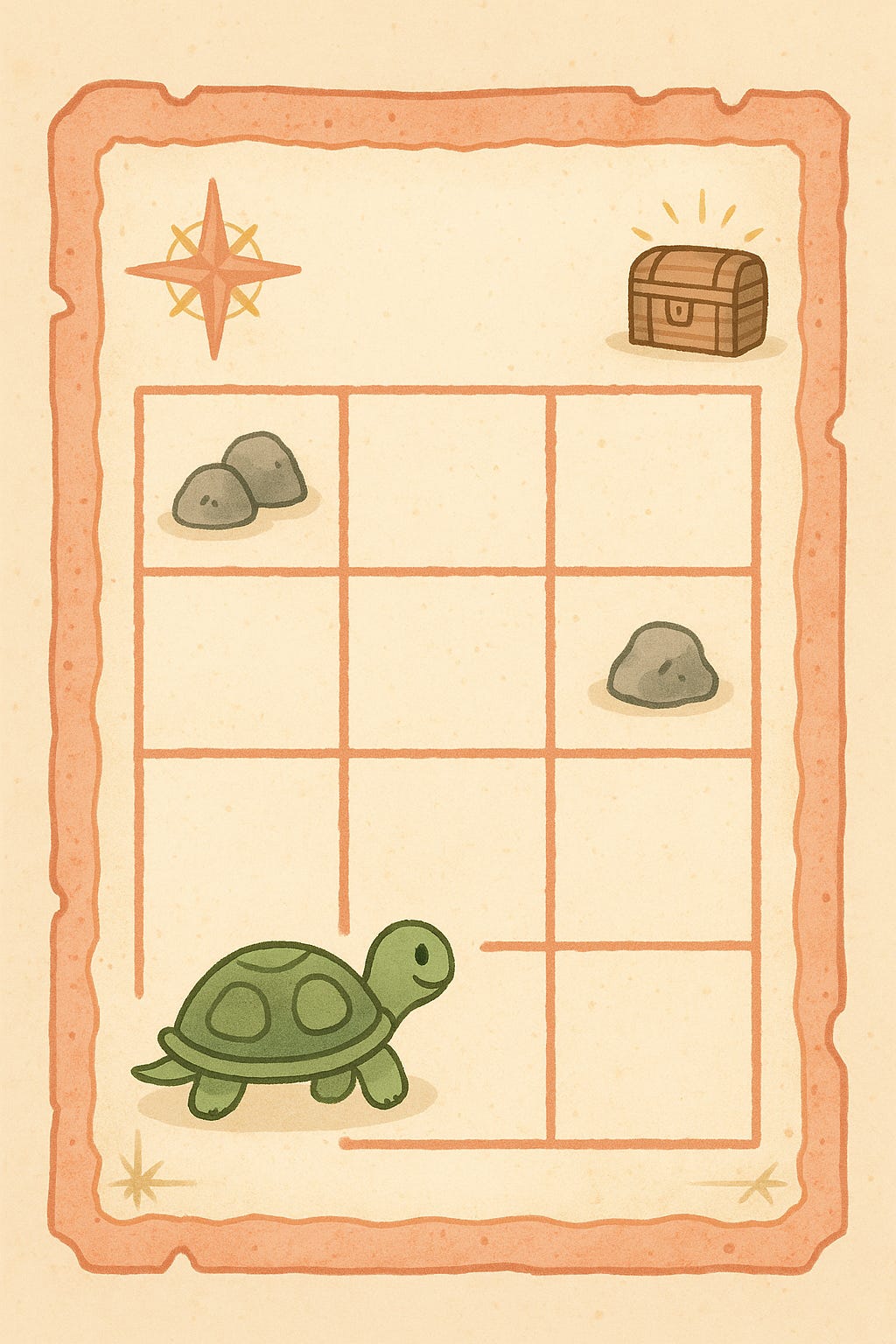
(Then show a blank 5x5 map with the Turtle at Start and Treasure at the Goal.)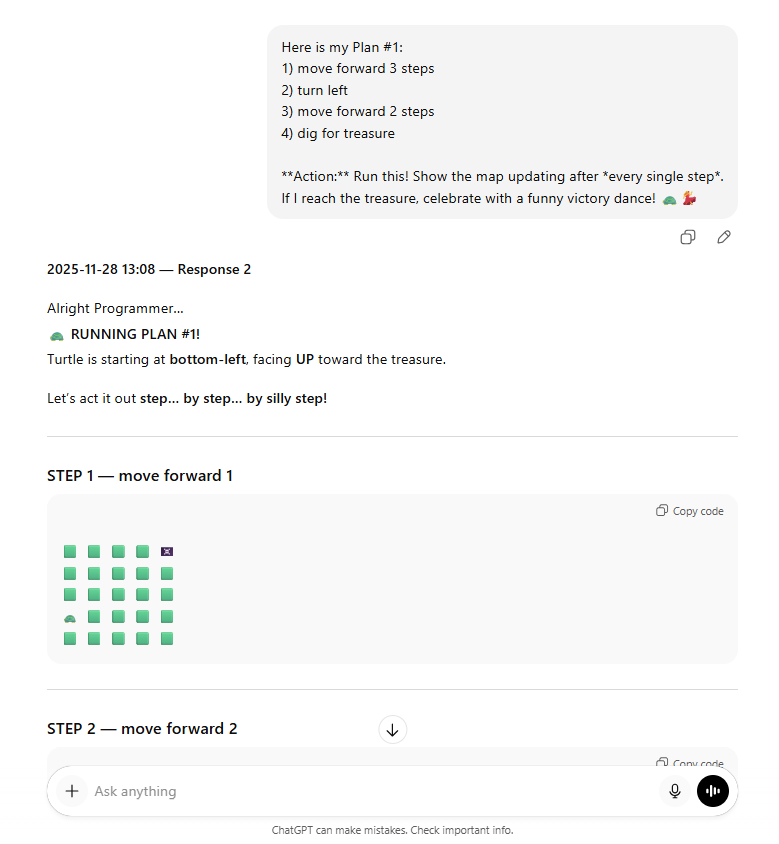
🧵 GAME ROUNDS
Round 1 Builder Mode (Ages 5–12)
Tell your child: “Let’s give the turtle its first plan!”
Example steps:
🐢 move forward 3 steps
🔄 turn left
🐢 move forward 2 steps
🏴☠️ dig for treasure
If your child stalls or is unsure: “Should the turtle go straight first or turn first?”
Copy/paste into the Turtle GM:
Here is my Plan #1:
1) move forward 3 steps
2) turn left
3) move forward 2 steps
4) dig for treasure

Action: Run this plan. Show the map updating after every single step.
If I reach the treasure, celebrate with a funny victory dance! 🐢💃
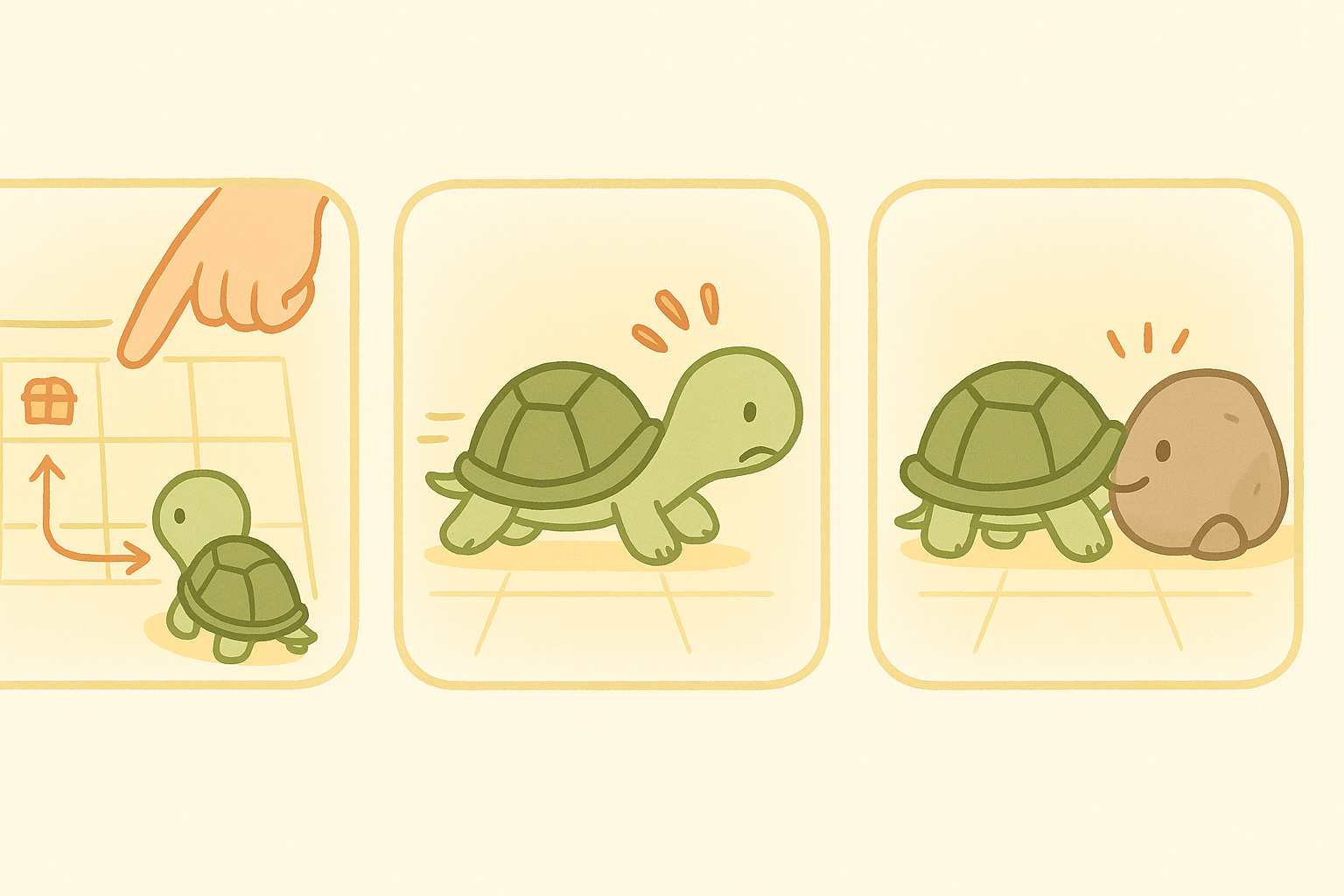
What kids notice: the turtle gets stuck, digs too early, bumps rocks, or celebrates too soon. My kids love when the turtle digs in completely the wrong spot. Somehow it always becomes ‘treasure soup’ or ‘a grumpy worm moment.’ Roll with it, silliness is one of our favorite ways to help the logic land.
Parent cue: “What went wrong? What should we change first?”
Round 2 Fixer Mode (Ages 6+)
Debugging is where confidence grows. Kids learn mistakes aren’t failures, they’re clues.
Say: “Oh no, the steps got mixed up! Let’s see what happens.”
Let’s start again and play “Fixer Mode.” Here is a BROKEN plan:
1) dig for treasure
2) move forward 3 steps
3) turn left

Action: Run this literally.
1. When I dig at the start, show a Hole 🕳️ and a confused Worm 🪱.
2. Leave the Hole 🕳️ visible as I move away.
3. End by asking: “I dug too early! What’s one step we should fix first?”
Parent cue: “Which single fix will help most?”
Round 3 Decider Mode (IF/THEN) (Ages 6–10)
This is your child’s first encounter with real conditional logic. It often feels surprisingly natural once they try it.
Say: “Sometimes we need rules that only work if something happens.”
Let’s play “Decider Mode.”
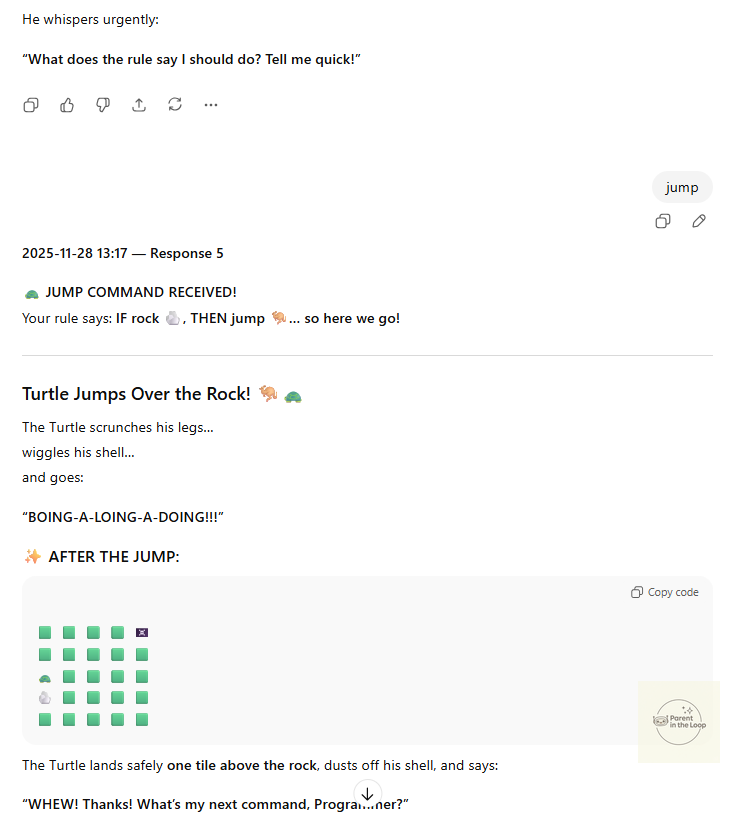
My Rule: IF you see a rock 🪨, THEN jump over it 🦘.

Action:
1. Reset the map with a rock in the way.
2. Walk forward until you hit the rock.
3. Stop at the rock and say: “GASSSSP! My nose is touching a rock!”
4. Ask: “What does the rule say I should do?”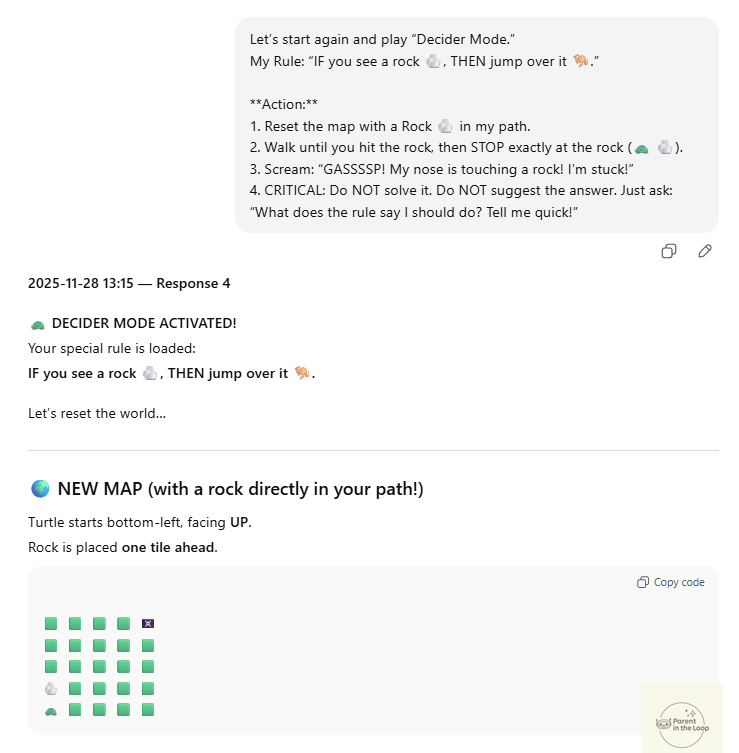
Kid turn: They instruct the turtle (“Jump!”, “Go forward!”, “Turn right first!”). Celebrate the small decisions. Kids feel confidence “sparks” when the turtle listens to their rule.
Here’s what ours looked like:
Real life: Debugging is one of the most powerful skills in real coding. It teaches kids that mistakes aren’t dead ends-they’re signals. Debugging helps kids practice patience, flexible thinking, and the belief that they can fix things by changing one small detail. Most adults don’t learn this until much later, so if your child gets even a taste of this mindset now, it’s a huge win.
Round 4 Looper Mode (BONUS for Ages 8–12)
For older kids or curious minds. If your kid’s eyes light up here, wonderful. If not, skip it. You can always come back. Loops usually ‘click’ on a second or third try, especially when kids are joking about how tired the turtle’s feet must be.
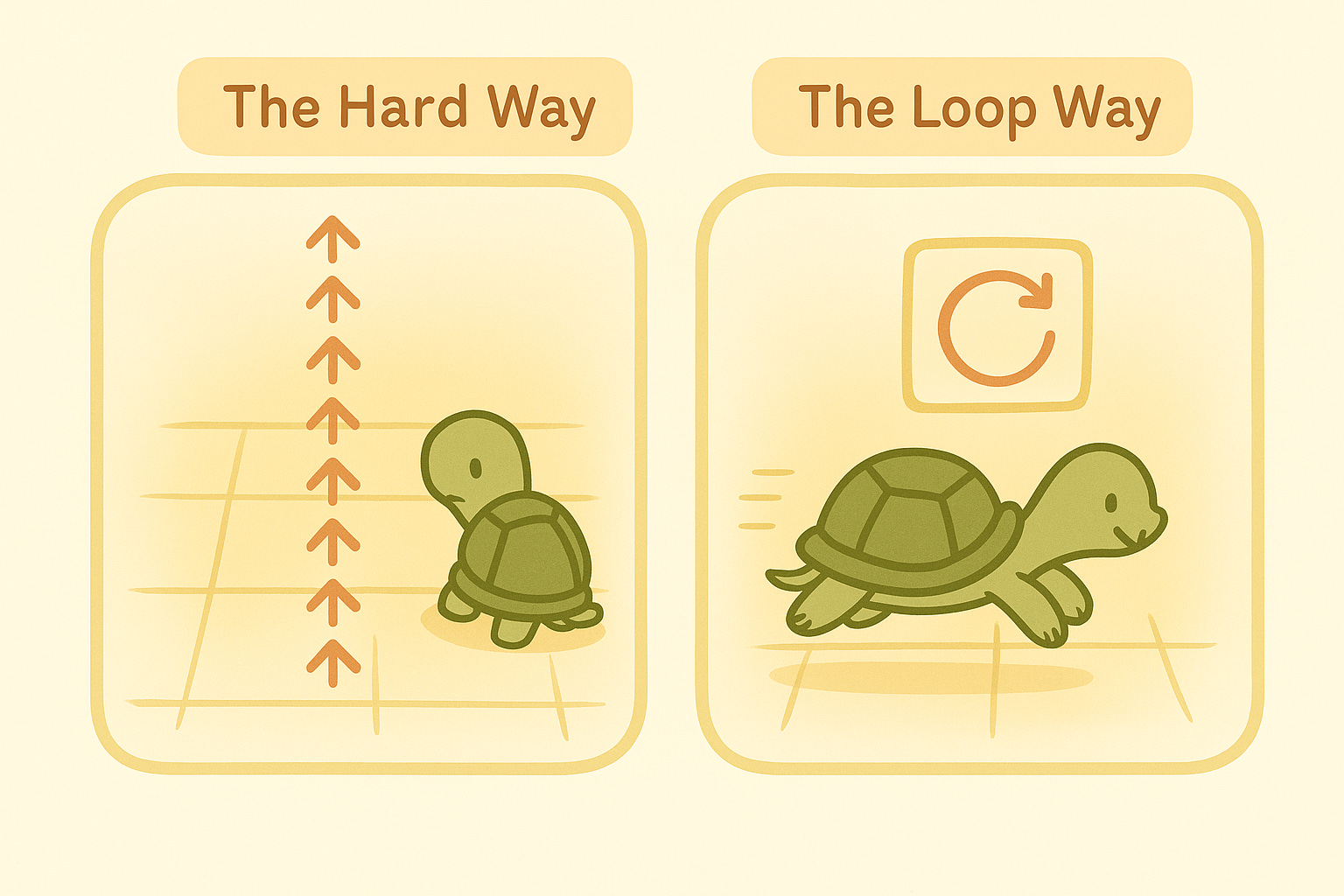
Say: “Let’s teach the turtle a shortcut to save energy.”
Let’s play “Looper Mode” and compare two ways to write code.
Redraw the grid as 15 x 15 with the same start and treasure.

Method 1 (The Hard Way):
Write “Walk Forward” {10} times. Show a long list of 📜.
Complain dramatically.
Show the turtle after walking 10 steps.

Ask: “Should we see a loopier way?” If yes, go to Method 2.

Method 2 (The Loop Way):
Show a note 📝: “REPEAT {10} TIMES {Walk Forward}”.
Run it fast. 🐢💨

Closing Question: “Why was Method 2 better? Was it because I’m lazy or smart?”
🎨 Offline Moment (3 minutes)
These few minutes off-screen are often where kids open up, retelling the turtle’s mistakes or adding plot twists only they could imagine. We just let their little cogs turn.
Choose one:
A : Build the Map
We used Magna tiles to rebuild the 5 x 5 world. You could use blocks or paper etc.
We also used animals, it was a good few mins of fun and then it turned into creative block play.
B : Draw the Bug Fix
Kids draw the funniest turtle mistake and label it: “We debugged it!”
And always reflect together
“Which fix changed the turtle the most?”
“What did the turtle do exactly as you said?”
📦 Mini Challenge for the Week
Kid challenge: Create a new map with one rock and treasure. Ask AI for a strategy; fix one bug.
Parent helper: Add one debugging rule at home:
“If the dishwasher is full, then unload before adding dishes.”
Sticker or turtle dance optional. Both are highly recommended at our place.
📚 Research Corner
🧠 Mistakes make brains grow. Debugging strengthens planning and flexibility in early childhood computational thinking.
📖 Storytelling boosts logic. Dr. Marina Umaschi Bers found that when coding is treated as storytelling, kids retain logic concepts longer.
🏃♂️ Movement builds sequencing. Harvard’s executive function research shows rule‑following games improve working memory and self‑control.
🌱 Guided exposure builds confidence. UNICEF’s Digital Literacy Framework shows that gentle, adult‑supported digital experiences close confidence gaps.
💪 Debugging builds resilience. Kapor Center research highlights debugging as a core learning strategy that strengthens persistence and agency.
Why this matters: When bugs are fun(ny), not failures, kids develop flexible thinking, confidence, and problem‑solving habits that last far beyond screens.
🪞 Reflection for Parents
When did my child notice something “off”?
How did they fix it?
What real-life rule or loop could we refine this week?
🔔 Next Up: How Computers Use Data to Make Guesses
This week we gave orders. Next week, we explore how computers use data to make predictions and how families can talk about privacy, fairness, and consent in simple, empowering ways.
Love the takeaway of empowerment & agency by “guiding AI” rather than being a passive user - good read!